This release is available for download and includes two new features visible in the UI:
Auto port detection
This has been available in the regular version of 232key for many years. When you press the Auto button, 232key Pro cycles through all available COM ports, toggles the DTR and RTS signals, and monitors the DSR and CTS lines for a response:
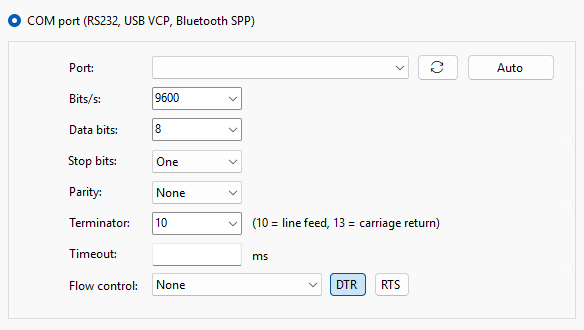 This lets it make an educated guess about which port your device is connected to, but only for devices that support at least one of these handshake lines. It works very well with balances and scales from A&D like the popular FX-i/FZ-i series.
To make room for the new button, the button to refresh the COM ports now uses a symbol.
Minimizing to the notification area (system tray)
In the Settings tab, check this box if you would like 232key Pro to minimize to the notification area:
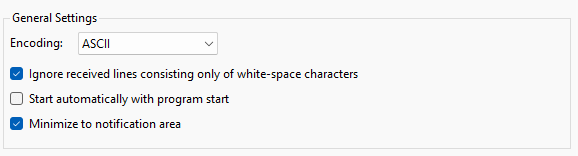
Double-click on the symbol in the tray to bring it back or right-click for a menu.
Behind the scenes, TCP/IP connections received further improvements: They can now be stopped and immediately restarted (e.g. with a corrected IP address) without any file access conflicts.